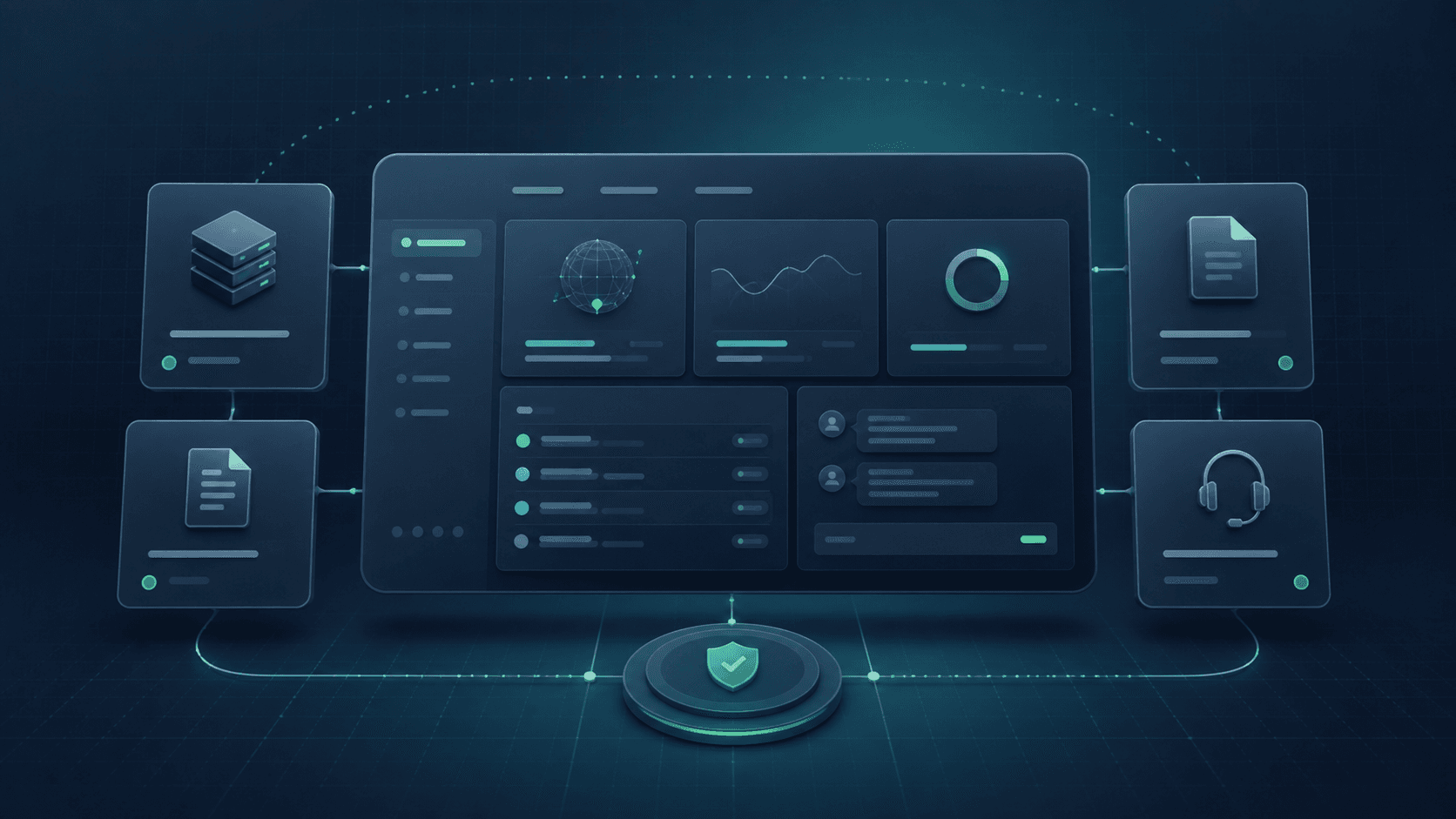
Companies rarely wake up one morning and decide that they need an ERP–CRM integration. The first signs are smaller. Sales copies form details into a spreadsheet, operations asks for the current contract scope, finance waits for confirmation that a service is live, and the customer receives two versions of the same address. Every team finds a local workaround while the end-to-end process becomes slower.
A useful integration is not about moving every field between two applications. It is about clarifying responsibility: where a customer record begins, who approves an offer, when a service becomes active, what triggers billing and where history is kept. Only after that flow is understood should the team choose APIs, queues and implementation technology.
Begin where work actually gets stuck
A workflow map must show more than the ideal journey from lead to payment. Ask about exceptions: what happens when a customer changes details after signing, a service is activated only partially, a payment cannot be matched to an invoice, or sales promised a non-standard date? These are the places where spreadsheets, private messages and manual workarounds usually appear.
For every step, record the triggering event, owner, required data, result and possible failure. Avoid starting with module names. ‘When the offer is approved, operations receives complete activation data’ is more useful than ‘CRM integrates with ERP’. It immediately exposes missing information and defines how the system will know that a stage has finished.
Give every piece of information an owner
All data does not need to live in one application, but every field needs one place where it can be authoritatively changed. CRM may own contacts and opportunities, ERP may own billing details and invoices, while an operational platform owns parameters of the active service. Other applications receive the view they need without creating a competing version of the truth.
This decision resolves conflicts. If a billing address changes in two places, the integration must know which version wins. A ‘last modified’ timestamp is not enough because the newer edit may be incorrect. Data ownership, validation and change history matter more than synchronising every few seconds.
Create a stable customer identity
The same organisation may appear under a trading name, a legal name and an abbreviation used by support. Add branches, multiple tax registrations, different payers and contacts who change jobs, and matching records becomes risky. Integrating without a stable identifier soon creates duplicates or attaches a document to the wrong account.
Define matching and merge rules before automating. A tax number can be an important signal, but it may not be sufficient for corporate groups or international operations. Use an internal identifier, explicit relationships between entities and a human review path for ambiguous duplicates. The integration should report uncertainty instead of silently picking the first result.
Automate handovers between teams
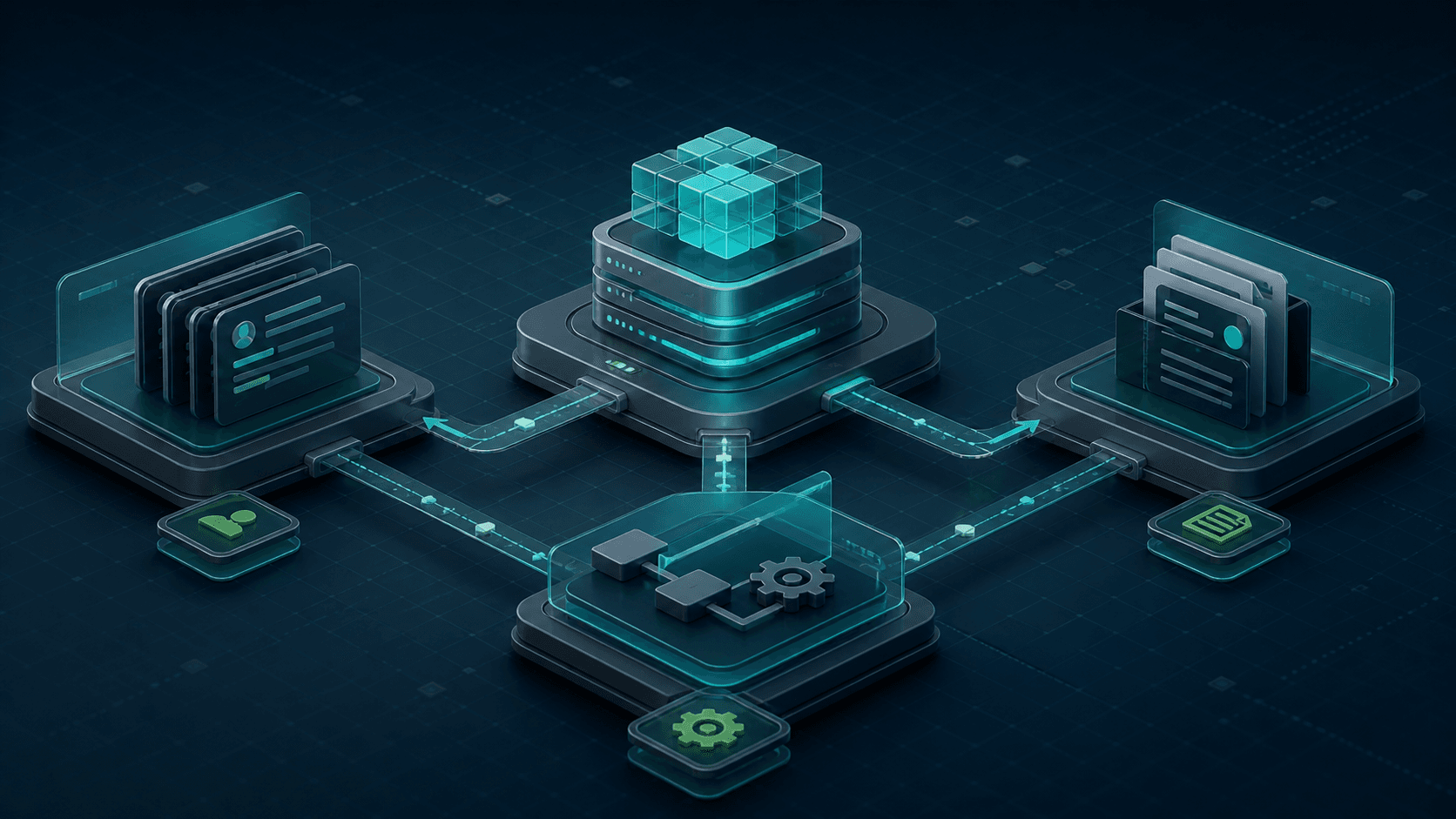
Small, well-defined transitions often deliver the best return. An accepted offer can create an order and implementation tasks. Service activation can prepare a billable item. Issuing an invoice can publish the document in the client portal and notify the right contact. Closing a service should stop future charges.
Each transition needs a start condition and a confirmed result. ‘Synchronise invoices’ is not a sufficient requirement. Decide whether drafts, approved documents and corrections are included, how currencies and taxes are handled, and what happens after cancellation. Good automation removes repetitive decisions. A vague automation merely executes a mistake faster.
Design for failures and retries
An external system may be unavailable, a response may arrive late, and a user may click twice. If the integration assumes a perfect connection, it will eventually create duplicate orders or lose a status change. Operations should be safe to retry, carry a unique identifier and enter a queue when the other side is temporarily unavailable.
The administration interface needs an understandable integration state: what was sent, what was confirmed, what is waiting and what needs attention. A technical log helps an engineer, but an operations user needs ‘invoice not created — billing country is missing’, followed by a way to correct the data and retry. Handling the unsuccessful path is what separates a demonstration from a production system.
Do not copy every data set everywhere
Integrations often become too broad. They begin with a few required fields, but a year later every application contains an almost complete copy of customers, products and documents. This increases inconsistency risk, complicates data deletion and turns a small model change into several coordinated releases.
Exchange events and fields required for a particular decision. An invoicing system may need buyer details and billable items, but not the entire sales conversation. CRM can display a balance summary without owning the accounting calculation. Clear boundaries let each module evolve without causing a chain reaction across the platform.
Roll out in vertical slices
A large project called ‘integrate the whole CRM with ERP’ is difficult to test and even harder to accept. Choose one complete flow instead: won opportunity → customer → order → activation → invoice draft. The team sees a real outcome, and data problems appear before they spread across every department.
A review mode can help during transition: automation prepares the result, but a person confirms it before execution. After collecting exceptions, the level of autonomy can increase. Assign a measure to each phase, such as time from contract to activation, manual corrections or invoices blocked by missing data. Without measurement, an integration can look modern without improving the work.
Treat the integration as a product, not a one-off cable
Fields, API versions, billing rules and team processes change after launch. Someone must own monitoring, compatibility tests, documentation and error response. Maintain a test environment, a set of representative scenarios and alerts for missing expected events, not only server outages.
A mature integration eventually becomes almost invisible: information appears where it is needed, and people no longer wonder who copied it. That is the best outcome. The goal is not an impressive diagram full of arrows, but a shorter process, fewer mistakes and clear responsibility when an exception occurs.