It is Monday morning and the support inbox already contains requests for an invoice copy, an activation date, a contact update and the status of a service. Each question is simple, but somebody still has to find the information, verify access and reply. When the same messages arrive every day, the underlying problem is not a lack of people. It is a lack of useful access to information.
A client portal can change that pattern, but only when it is part of the company's operational system. A login screen and a few static tiles are not enough. Customers need current information, a clear explanation of what is happening and a safe way to complete common tasks without asking support to act as an intermediary.
Count what customers actually ask about
Start the portal design with the support inbox, call history and ticket list rather than a mock-up. Collect several weeks of questions, group them and identify the themes that keep returning. The same categories usually emerge: invoices and payments, product status, access details, delivery dates, documents and requests to change a configuration.
For each category, write down what the customer is missing, where the employee finds it and whether the answer requires a human decision. That distinction matters. An invoice download can be available immediately. A route change or credit-limit increase should follow a controlled workflow. A good portal does not automate everything. It removes unnecessary questions and sends decisions to the right person with the required context already attached.
Establish one source of truth
A portal loses trust the first time it shows a different amount, status or date from the system used by the service team. It should not become a separate database maintained by hand. It should read from the same processes that power administration, billing, CRM or ERP.
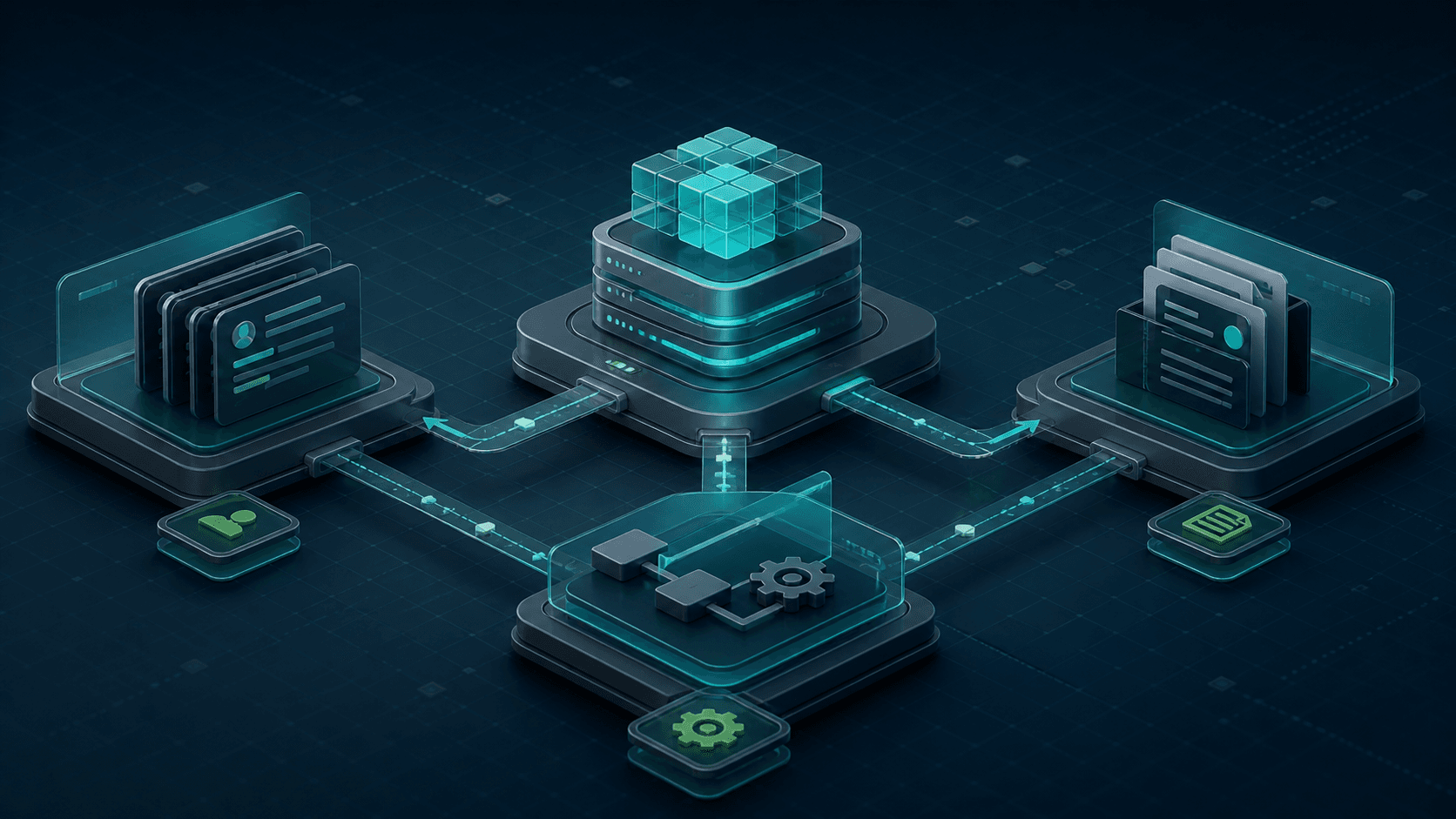
This does not mean exposing every internal record. An API layer should prepare a safe, understandable view of active services, documents, billing, tickets and relevant events. Show when information was last updated and distinguish states such as ‘awaiting payment’, ‘being activated’ and ‘active’. The customer should not need to interpret technical fields. The portal must translate them into the state of the customer's actual request or service.
Show what needs attention first
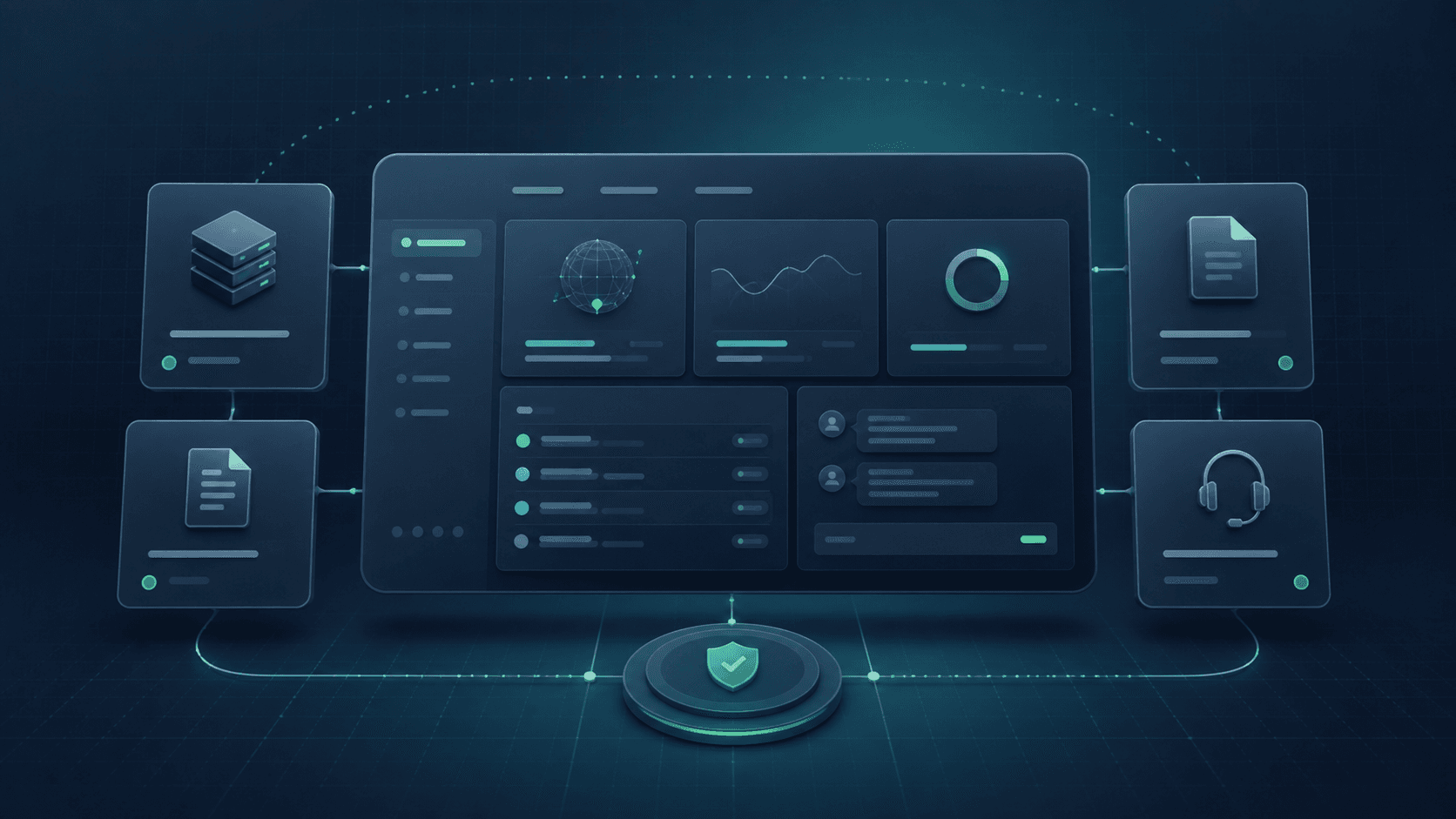
A customer does not sign in to watch a presentation about the company. They want to know whether everything is working and whether they need to act. The first screen should answer a few basic questions: which services are active, whether a payment is overdue, whether a new document is available, what happened to the latest ticket and where to perform the most common action.
A quiet interface makes decisions easier. Short labels, consistent status colours, document search, date filters and visible download buttons are more useful than decoration. On a phone, essential information must remain readable without horizontal scrolling. Empty and error states matter too. ‘You do not have any invoices yet’ is much clearer than an empty table that looks like a broken application.
Model roles around the customer's organisation
A company account is often used by several people. An owner may need the complete picture, finance may need invoices only, and a technical administrator may need service configuration and tickets. A shared password sent by email is convenient only until the first incident.
Roles should control both data visibility and available actions. A user may be allowed to see a service without being able to change its parameters. Someone who downloads invoices does not need access to API keys. For high-impact operations, add re-authentication, multi-factor authentication and a change log. Safe self-service builds confidence; self-service without controls merely moves risk from the support team into the product.
Automate actions, but always confirm the outcome
The largest saving comes not from displaying information but from letting a customer finish a task. Downloading a document, updating a contact, generating a key, reporting a payment or ordering an add-on should not require several messages. Every action must still explain clearly what will happen.
After submitting a request, show a reference number, the expected next step and a visible status history. If processing is asynchronous, do not pretend it finished immediately. ‘We received the change and it is awaiting verification’ followed by a completion notification is more honest and useful. These small details prevent a second ticket asking whether the first request arrived.
Make notifications actionable rather than noisy
An email about a new invoice should lead directly to the document after secure sign-in. An expiry reminder should include the date and an available action. An incident message must distinguish a platform-wide problem from an issue affecting one account.
Do not send a notification for every technical state change. Define events that matter to the customer and let the organisation choose channels and recipients. Finance can receive billing information while technical administrators receive operational alerts. A well-designed notification closes an information loop; a vague one creates another support request.
Release in stages and measure the result
The first portal does not need every process. A sensible starting point is sign-in, company profile, service list, invoices and contact with support. Ticket history, user administration, orders and controlled configuration changes can follow. Prioritise them by ticket volume and the amount of staff time each request consumes.
After release, look beyond login counts. More useful measures include fewer document and status questions, the share of tasks completed without employee involvement, time needed for common actions and authorisation failures. If customers still write about the same issue, the portal probably shows too little, uses unclear labels or hides the action in the wrong place.